Operate: run your robot at a business
When a café, hotel or shop wants your robot, Esos helps you set it up there and shows you how it's doing.
Onboarding a client
Each product has an Onboarding area with three tabs:
- Setup: what each business must tell you (its name, address, opening hours, menu…). Esos suggests the list from the robot; add your own questions.
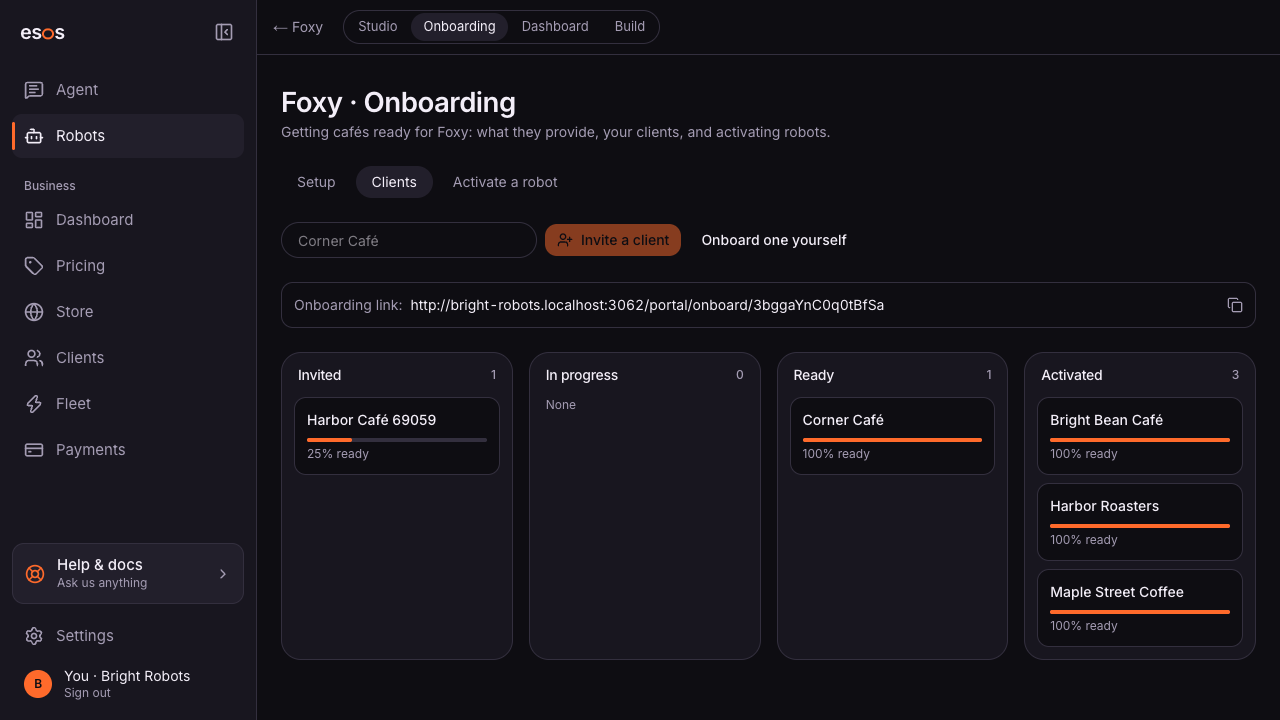
- Clients: invite a business. They get a link to a short form, in your brand, where they fill in their details. You see who's invited and who's ready.
- Activate a robot: pick a robot (or Use a tablet as the robot), the business, and the version. Esos checks the business has everything the robot needs, then activates it.
At the counter
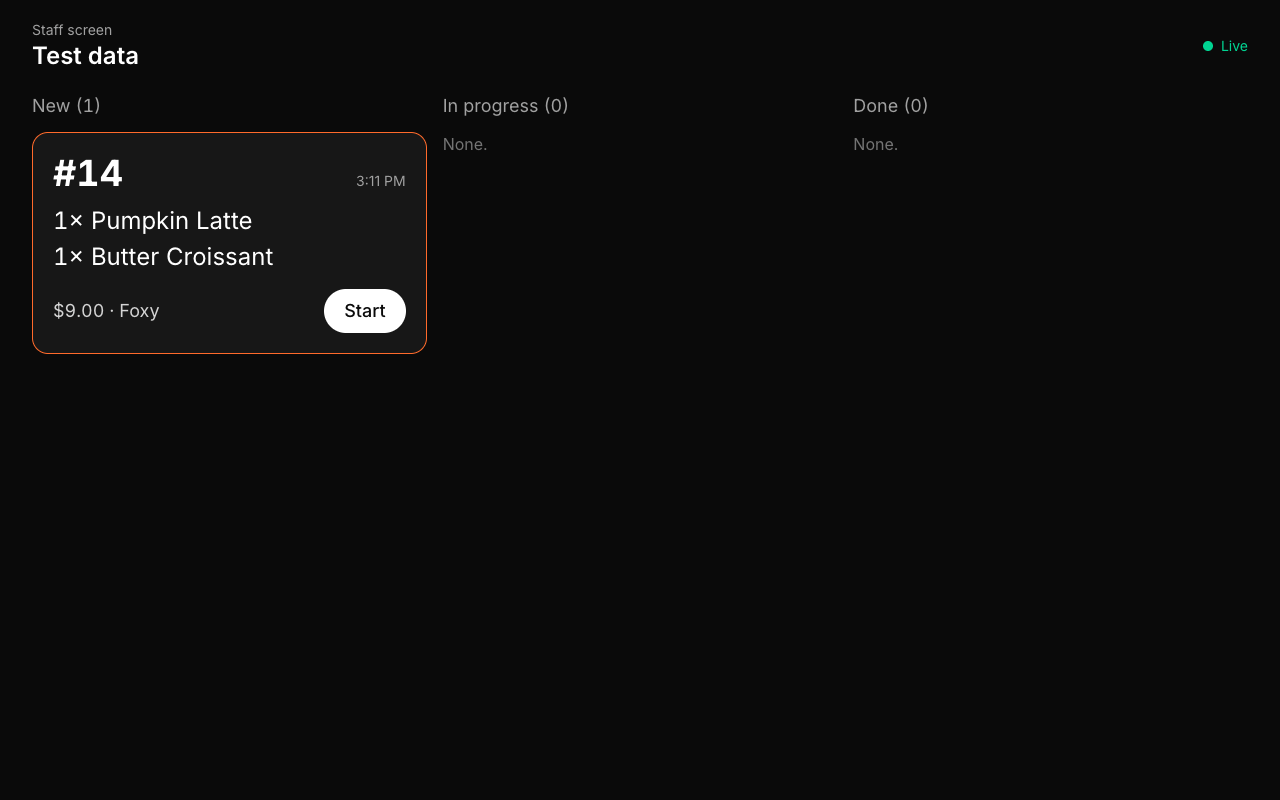
The robot runs on a phone, a tablet or the Foxy body. Orders appear on the business's staff screen as tickets (New → In progress → Done). When the robot can't help a guest after a couple of tries, it hands over to a person: a banner and a sound on the staff screen, and the robot says “A team member is coming”.
Overview
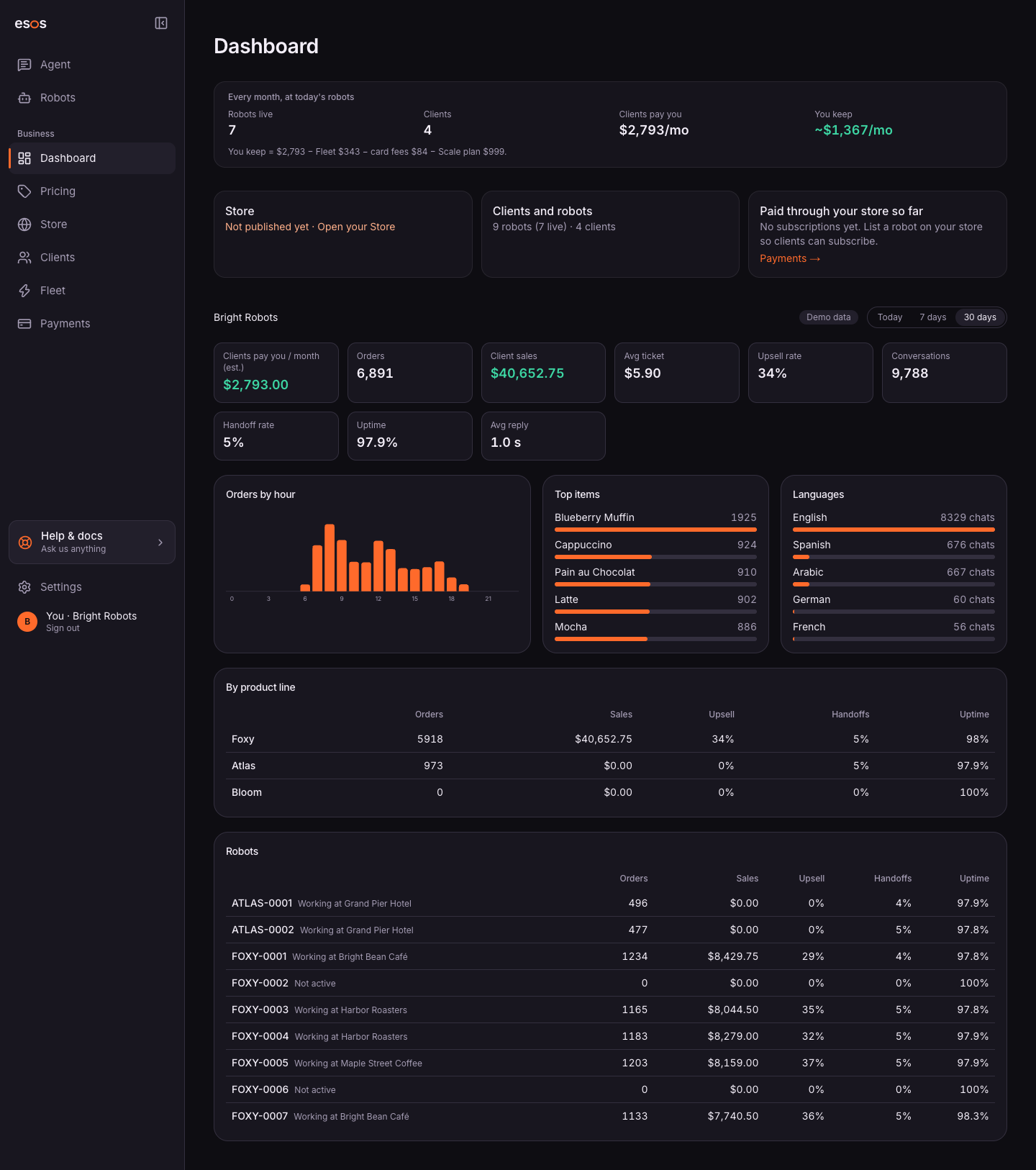
The numbers, at three levels, each a click deeper:
- Your business: every product and every client
- A product: all its units and clients
- A unit: one robot at one place, with its recent conversations
Updating robots in the field
Ask in plain words, from the live fleet box: “Add a pumpkin latte special this week for $5.25”. Esos asks before deploying, sends the change to one robot first, and only then to the rest, if nothing goes wrong. Any error, or the test robot going offline, stops the rollout. You can roll any robot back to its previous version.
Each client also gets their own portal with their robots' numbers, in your brand.